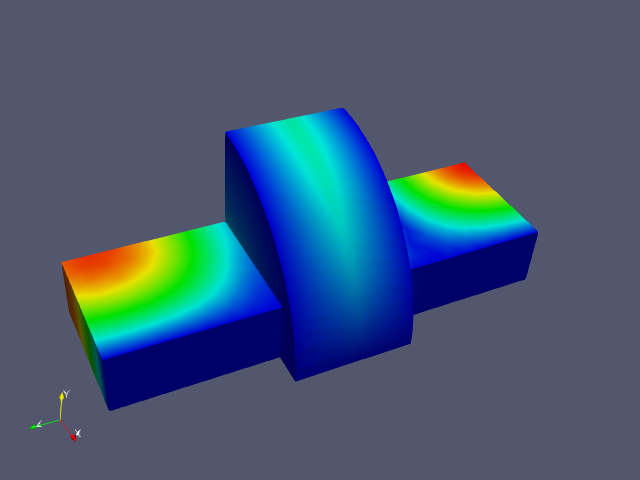
View S3P Results
1. Download job directory
Once the job has completed, you can download the results using the “Download” tool button in the Simulation Jobs panel, as decribed in Downloading Omega3P Results.
2. Display the Results Data
When the download is finished, you can view the EM field data by clicking the “Display” tool button as described in Viewing Omega3P Results.